AUTOMATION · ISKRA ERO PACKAGING
Iskra ERO boxes: design that follows the rules by itself
Iskra ERO boxes used to be built one by one in Illustrator. Now they set themselves up according to written rules: no slow manual work, every artwork following the rules and the corporate identity exactly — no differences between designers. The repetitive work is done by a program, with no human factor.
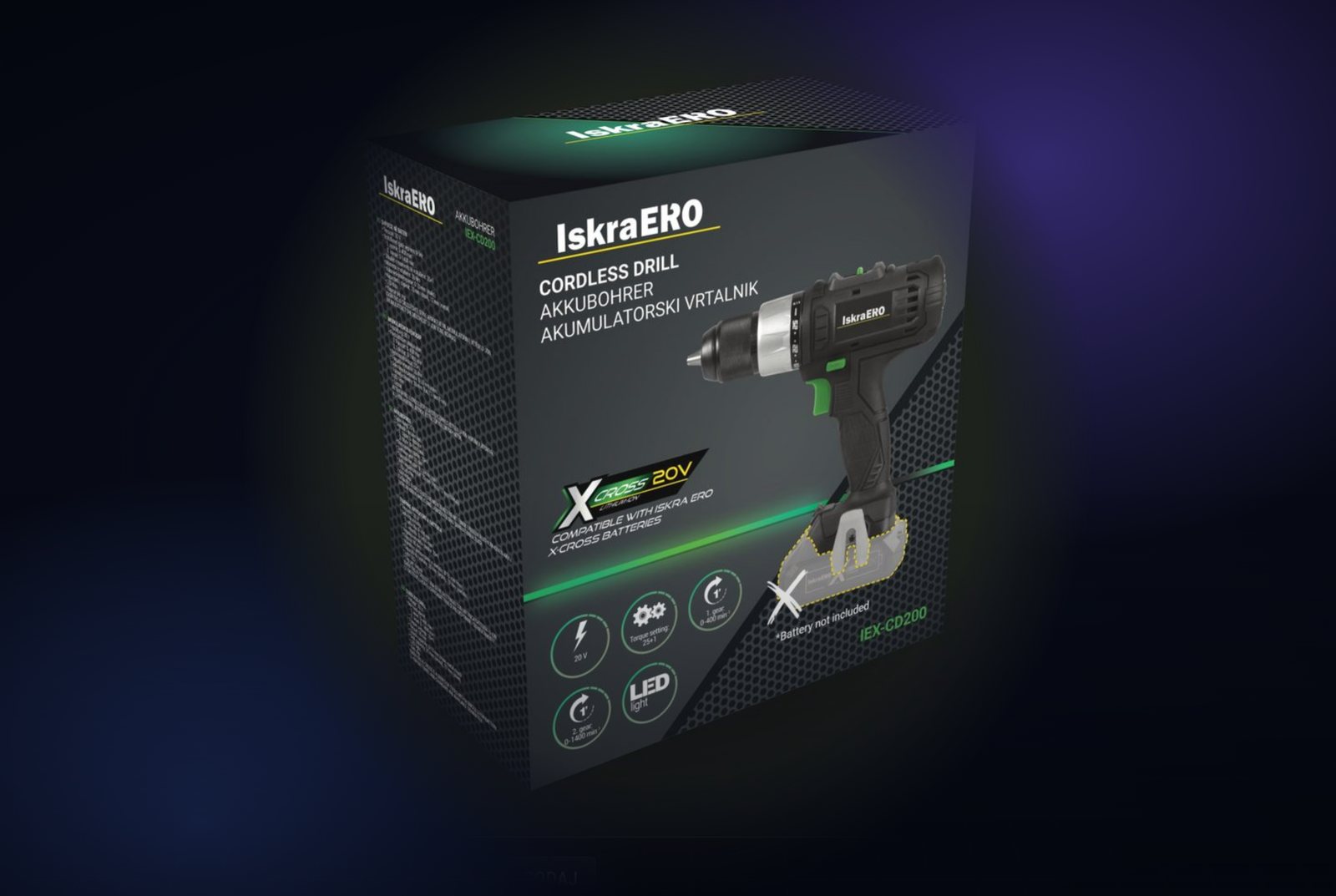
A cordless drill box has six sides, a lid, a base and a glue flap, ten language blocks of specifications, icons, symbols, an EAN and import details. Every one of those elements has to follow the same rules — margins, typefaces, units, print colours — on every box in the range.
Every box used to be built one by one in Adobe Illustrator. Now the boxes set themselves up according to written rules: no more slow manual work, and every artwork follows the rules and the corporate identity exactly — with no differences between one designer and the next. The repetitive work is done by a program, with no human factor.
We wrote the brand's rules down once and built a process that applies them by itself: the designer opens a finished file, the factory gets a print-ready PDF, and everyone can look at the box — and spin it — in 3D right in the browser.
The starting point: every box by hand, every reorder again
Each box was a separate Illustrator file. Every reorder meant opening it and updating it by hand. The rules that make the range look like one family — margins, typefaces, units, icons, print colours, languages — had to be checked manually on every box. With ten languages and several panels, that was slow and depended on who was doing it.
- Every box on its own — a separate file, separate upkeep.
- A reorder meant manual work on the original file.
- Rules as know-how, not something a computer could check.
- Editable file, print PDF and preview — each prepared separately.
- No way to see the finished box in 3D without printing a sample.
Part 1: One run, every output
One box — the IEX-CD200 cordless drill, 203 × 105 × 220 mm — became the master design. The process reads the original Illustrator file: layer structure, texts and panel sizes. From the box's settings it writes a script and runs it in Illustrator by itself. The script keeps every original object and applies the rules: margins, typefaces, units, colours, dimensions and the standard layer structure. The designer doesn't run a thing.
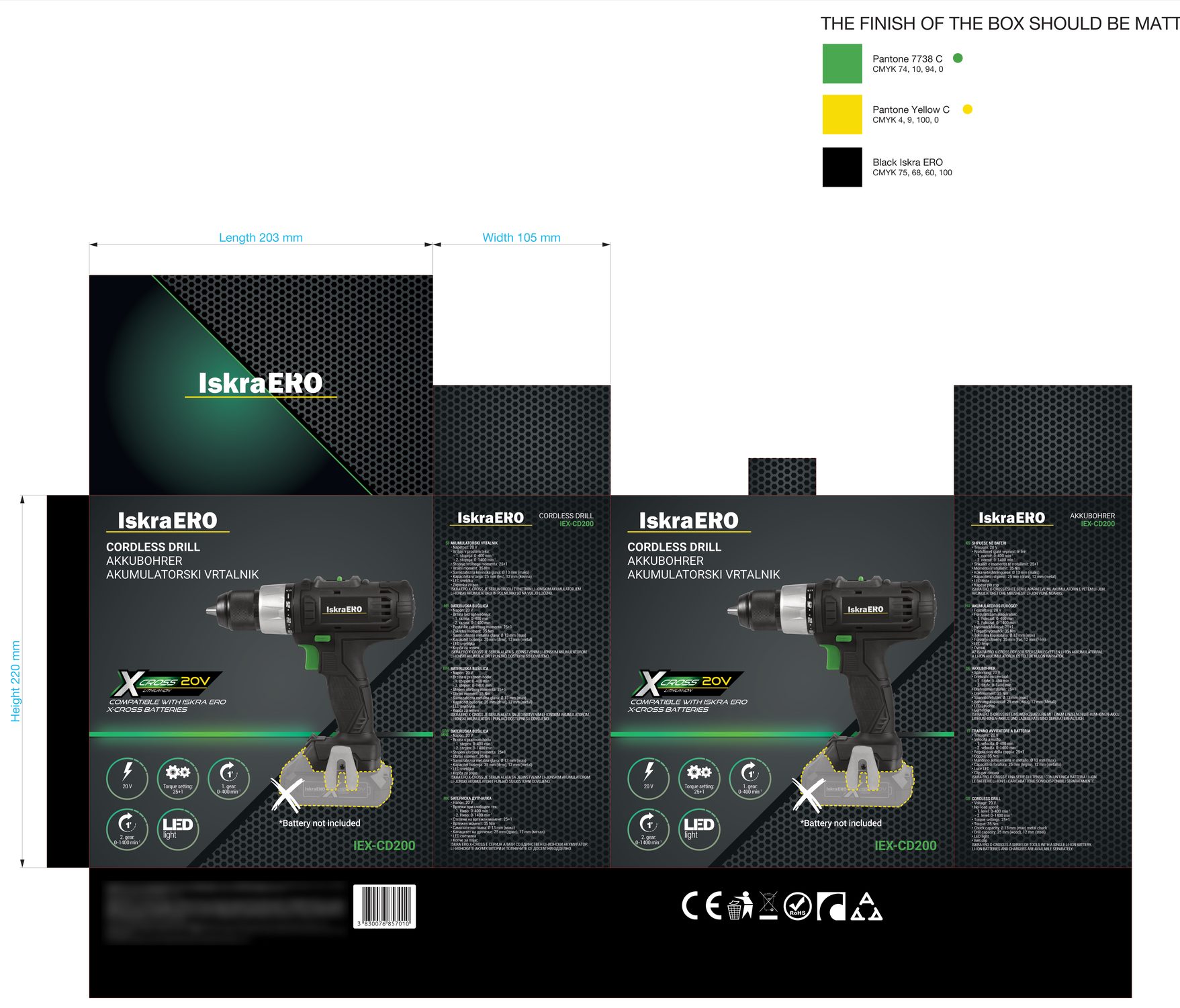
One run takes about three minutes and returns:
- An editable .ai file with live text and the standard layers.
- A PDF that reopens in Illustrator with every layer intact — not as one flat surface.
- A print-ready PDF with text converted to outlines and no embedded fonts — exactly what the factory needs.
- A log of every change and a 3D preview of the finished box.
Part 2: Add a language — the panel lays itself out again
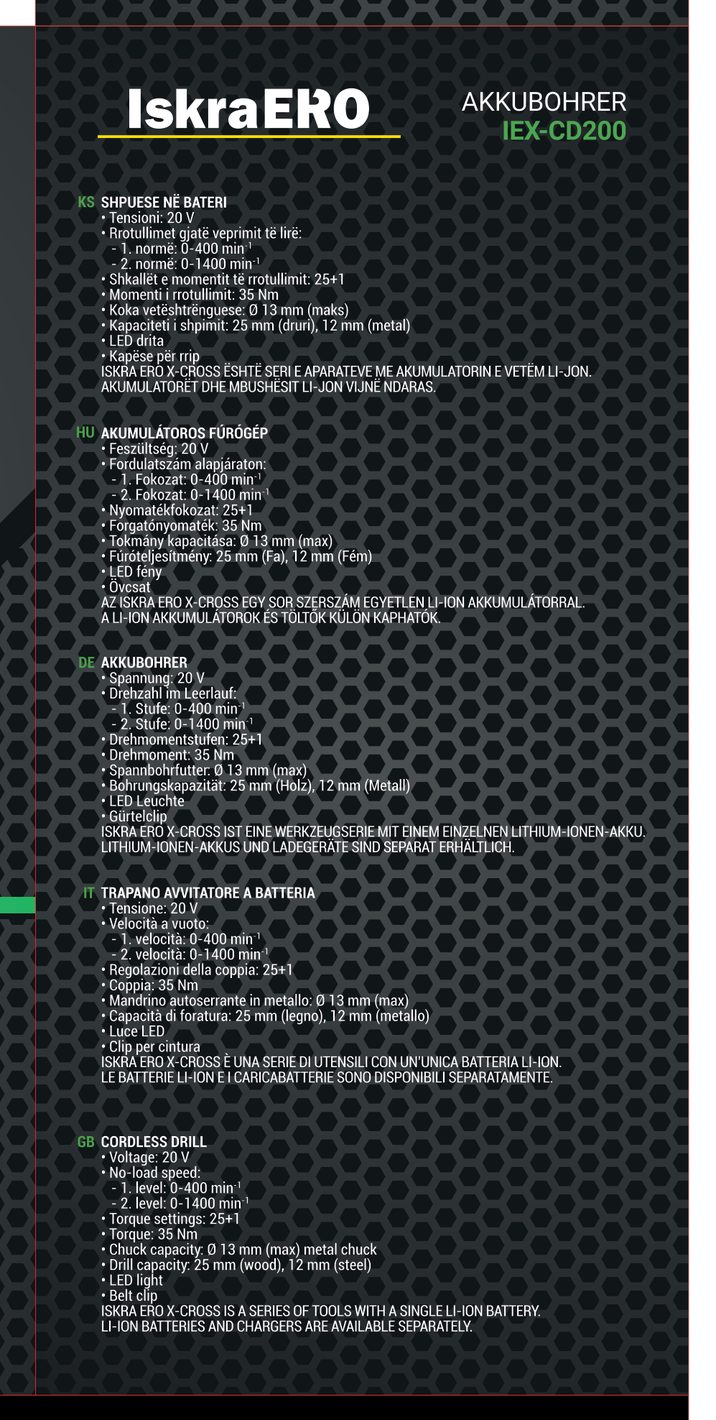
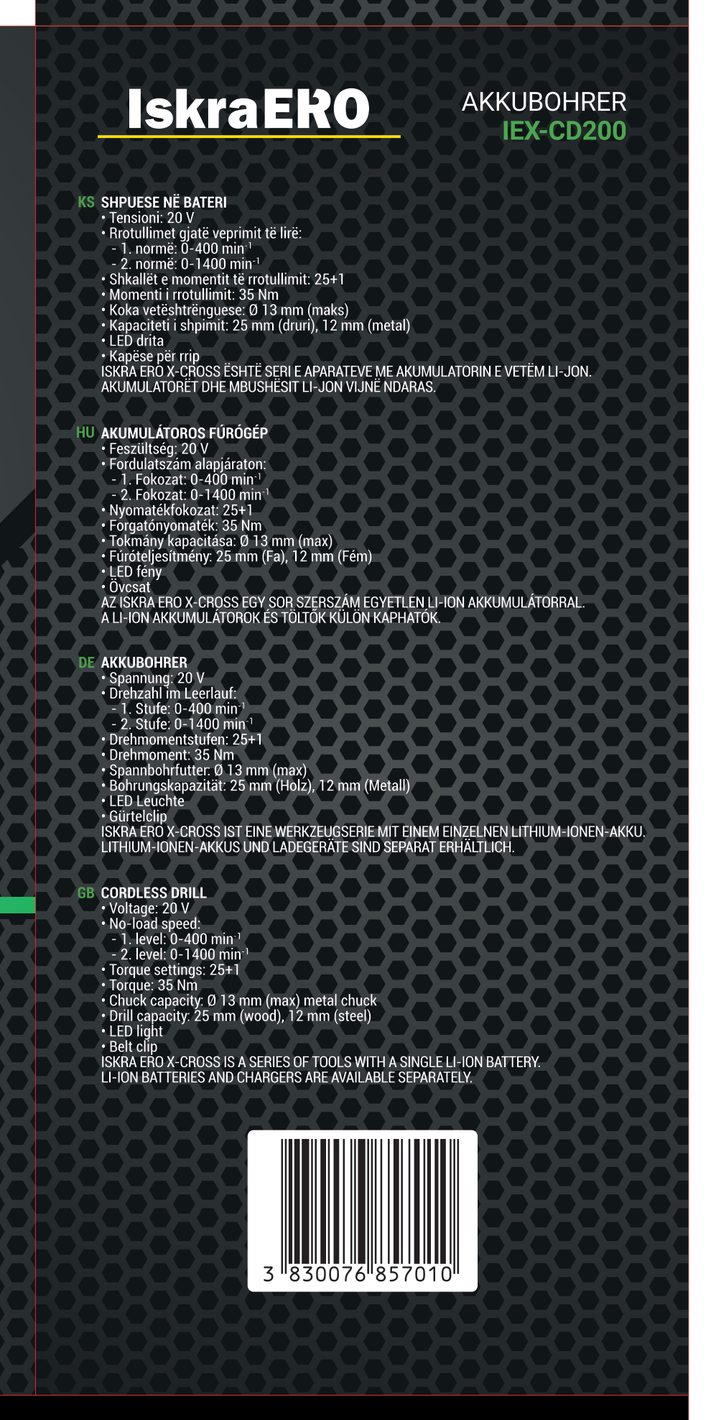
Side panels share one grid, typeface and logo placement. Adding Italian as a fifth language on a side panel is a change in the settings; blocks, spacing and margins are recalculated by the rules, and the EAN moves to the bottom flap beside the import details.
Part 3: One pattern across every fold
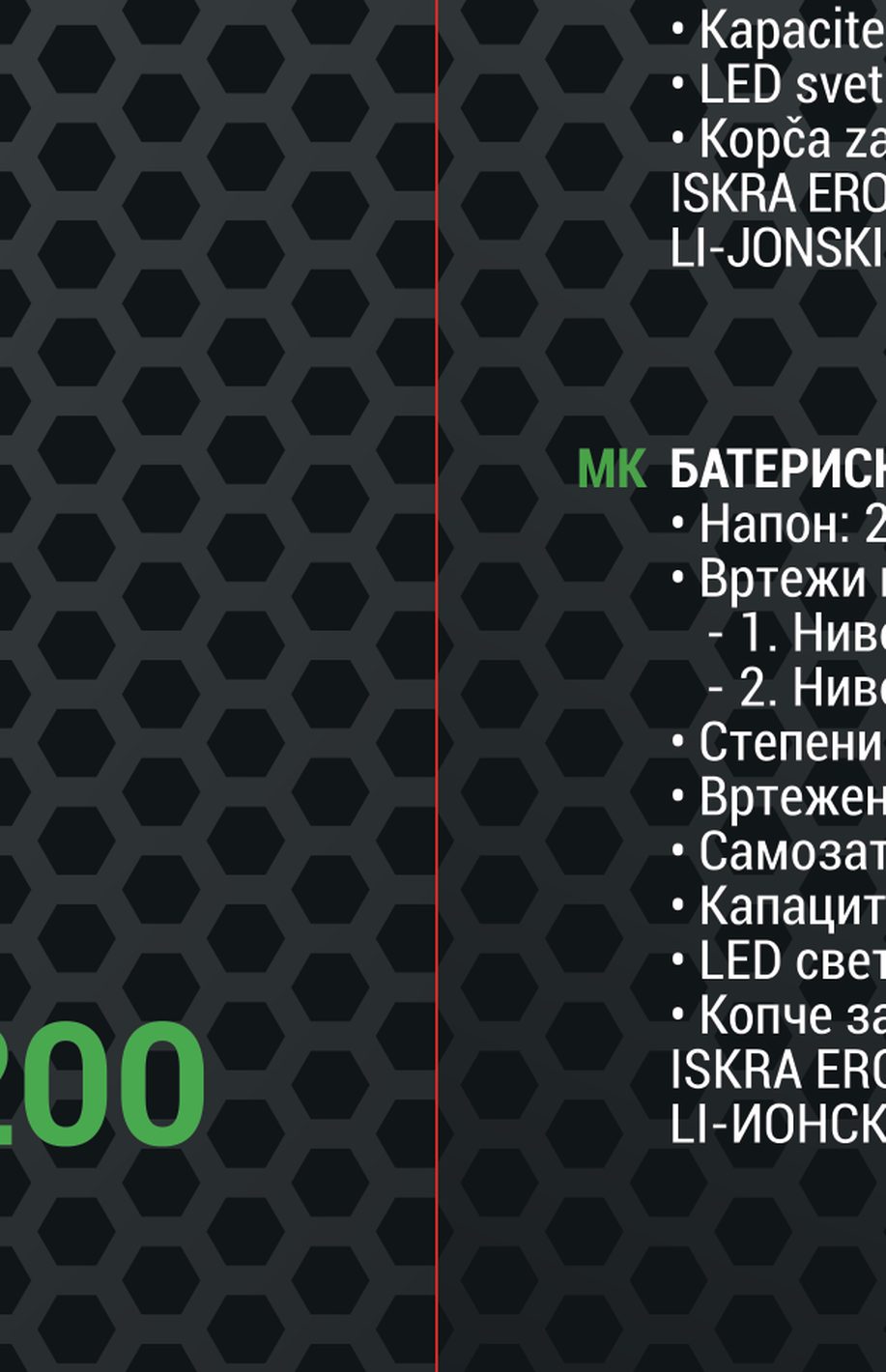
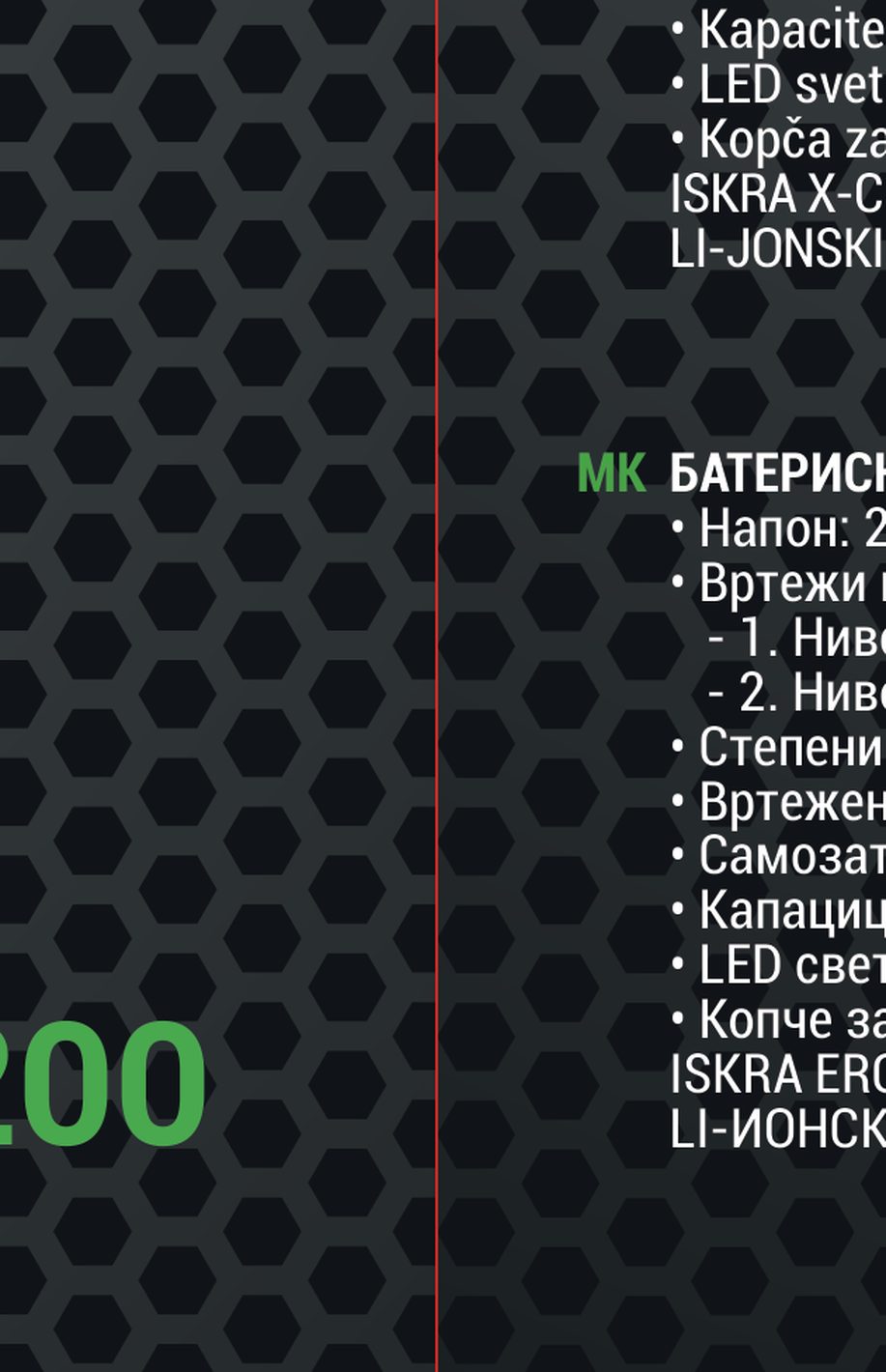
The hexagon background is generated as a single regular grid over the whole dieline, so it runs seamlessly across every fold — and the file gets lighter: 14,569 objects became 5,903.
Part 4: One icon per meaning, shared by every box
Icons are exported from the boxes, normalised by the rules — circle sizes in whole millimetres, type in whole points, symbol and label centred — and collected into sets by tool type and packaging symbols. From one product to the next, only the label changes.
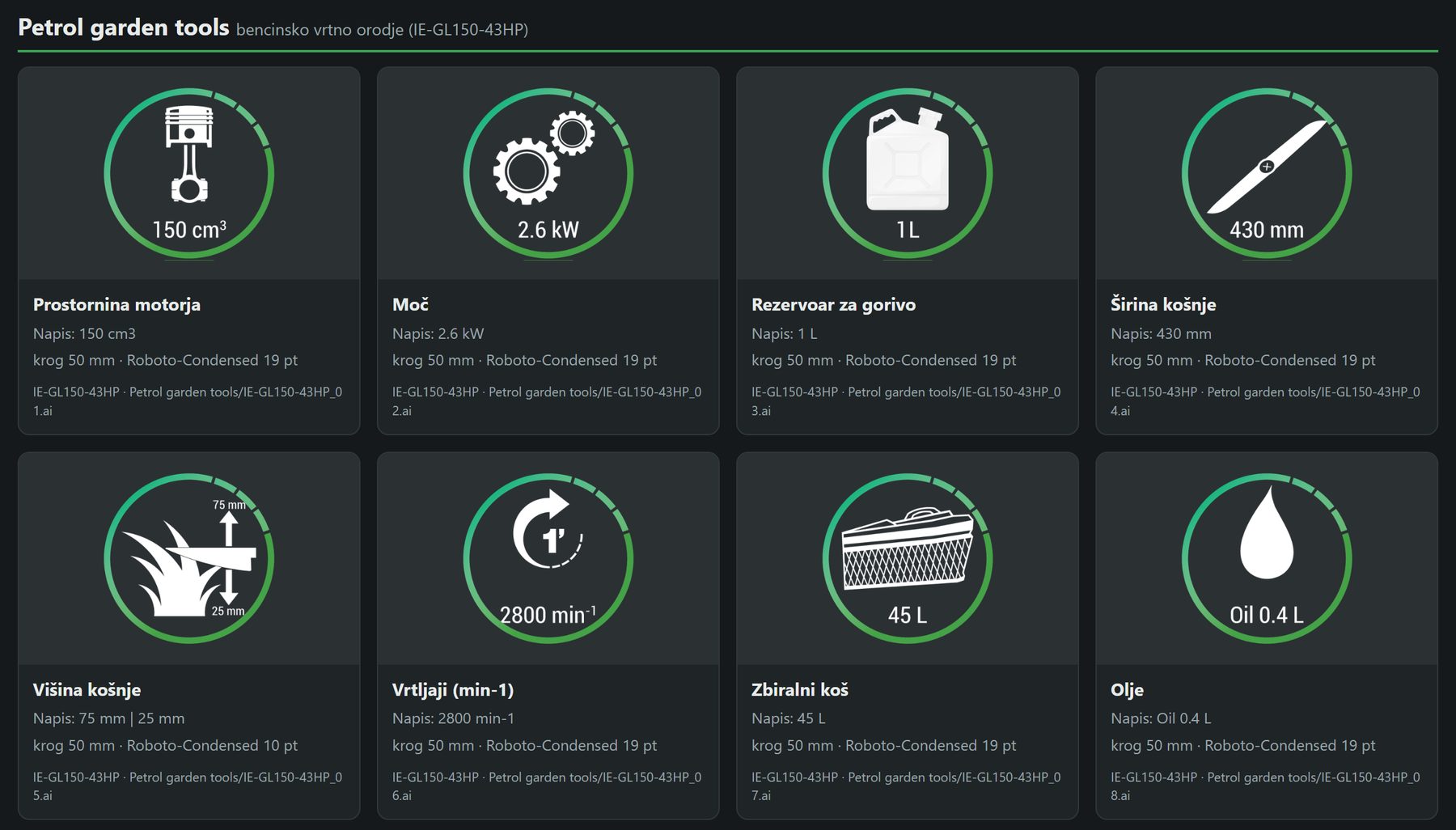
- 147 icons and symbols, organised into sets.
- The same speed icon, CE mark and WEEE symbol on every box.
- Exported as .ai, .svg and .png, with an HTML overview.
- Only what no rule covers yet is flagged for a decision.
Part 5: The box in 3D, right in the browser
From the same print-ready PDF, the process builds an interactive 3D model of the box. It runs as a single web page — rotate, zoom, jump to any side — so a box can be reviewed before a sample is printed. The viewer embeds in any web page — like the one below. Spin the box yourself.
The process is in use
The IEX-CD200 master box builds itself — rules, print outputs and 3D preview included. The next step is moving the rest of the range onto the same standard.
The result
- Every Iskra ERO box built from one master design.
- Product data straight from Inventory Manager — one source for the website, catalogs and packaging.
- Reorders that update the box by themselves, with no manual rework.
- A design change made once and carried over to every box.
- An elastic background that adapts to any box size.
- The 3D box viewer on iskraproducts.com product pages.
What this means for your business
Packaging is data printed on cardboard. Once the rules are written down and a program applies them, every new box, new language or reorder is no longer a repeat of the same manual work — it is a new run. When the box design changes, the new look will carry over to every box automatically, without weeks of manual rework.
Company catalogs and user manuals can be produced the same way — in short, any mass media with the same or a similar structure. That lets companies keep smaller teams that can take on big things.